
Course Overview
Microsoft Excel remains one of the most widely used business and analytical tools across industries worldwide. From financial analysis and business reporting to data management and decision-making, advanced Excel skills are highly valued by employers and professionals in virtually every sector.
This programme provides learners with a comprehensive understanding of Advanced Excel and its practical applications in business, analytics, finance, operations, research, and management. Participants will learn how to organize, analyze, visualize, and interpret data efficiently while automating routine tasks and improving productivity.
The course covers advanced formulas and functions, PivotTables, Pivot Charts, dashboards, conditional formatting, data validation, lookup functions, data analysis tools, automation techniques, reporting systems, and business intelligence applications. Learners will gain hands-on experience working with real-world datasets to solve business problems and generate actionable insights.
Designed for students, professionals, managers, entrepreneurs, analysts, and educators, this programme emphasizes practical skills that can be immediately applied in workplace environments. Participants will learn how to create professional reports, monitor key performance indicators (KPIs), manage large datasets, and support data-driven decision-making.
By the end of the programme, learners will be able to confidently utilize advanced Excel tools and techniques to improve efficiency, enhance reporting capabilities, and contribute to organizational success through effective data analysis.
Key Learning Areas
✓ Advanced Excel Functions & Formulas
✓ Data Management & Organization
✓ Lookup Functions (VLOOKUP, HLOOKUP, XLOOKUP)
✓ IF, Nested IF & Logical Functions
✓ PivotTables & Pivot Charts
✓ Data Analysis Techniques
✓ Conditional Formatting
✓ Data Validation
✓ Dashboard Development
✓ KPI Reporting
✓ Financial Analysis
✓ Business Reporting
✓ Excel Automation
✓ Data Visualization
✓ Productivity Enhancement Tools
Learning Outcomes
Upon successful completion, learners will be able to:
Utilize advanced Excel formulas and functions effectively.
Analyze and manage large datasets efficiently.
Create PivotTables and Pivot Charts for reporting.
Develop interactive dashboards and KPI reports.
Apply data validation and data cleaning techniques.
Automate repetitive tasks and improve productivity.
Generate professional business reports.
Support data-driven decision-making.
Visualize complex information through charts and dashboards.
Apply Excel solutions to real-world business challenges.
Programme Benefits
For Students
Develop highly employable analytical skills.
Build confidence in handling business data.
Enhance academic and professional capabilities.
Gain practical experience with industry-standard tools.
For Professionals
Improve workplace productivity and efficiency.
Create accurate reports and dashboards.
Enhance analytical and reporting capabilities.
Support strategic business decision-making.
For Organizations
Improve reporting quality and accuracy.
Enhance operational efficiency.
Enable better performance monitoring.
Strengthen data-driven management practices.
Career Pathways
This programme provides valuable skills relevant to careers such as:
Data Analyst
Business Analyst
MIS Executive
Reporting Analyst
Operations Analyst
Financial Analyst
Administrative Executive
Project Coordinator
Business Intelligence Associate
Management Professional
Who Should Enroll?
University and College Students
Business Professionals
Data Analysts
Finance Professionals
Administrative Staff
Managers and Supervisors
Entrepreneurs and Business Owners
Researchers and Educators
Anyone seeking advanced Excel proficiency
Assessment Components
Knowledge Checks
Practical Exercises
Data Analysis Assignments
Dashboard Development Projects
Case Studies
Final Assessment
Certification
Participants who successfully complete the programme requirements and assessments will receive a Certificate in Advanced Excel for Business Analytics from UpSkill Global Education Technologies Inc., Ontario, Canada.
Skills Gained
Advanced Excel Functions
Data Analysis
PivotTables & Pivot Charts
Dashboard Creation
KPI Reporting
Data Visualization
Business Reporting
Financial Analysis
Data Management
Excel Automation
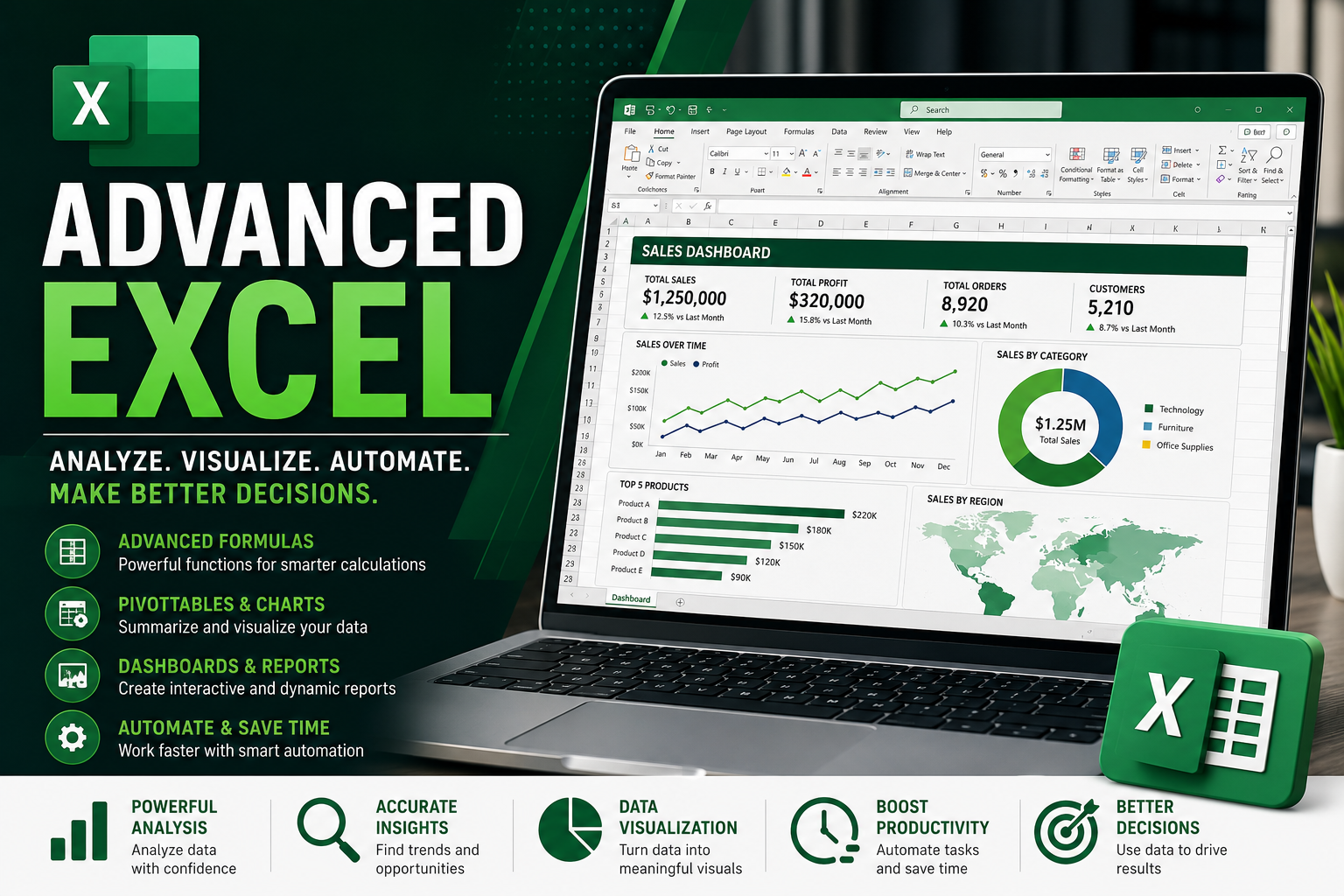
Advanced Excel for Business Analytics
Category: Data Science and Analytics
Duration: 30 Hours
Level: Beginner
Exam: Yes